
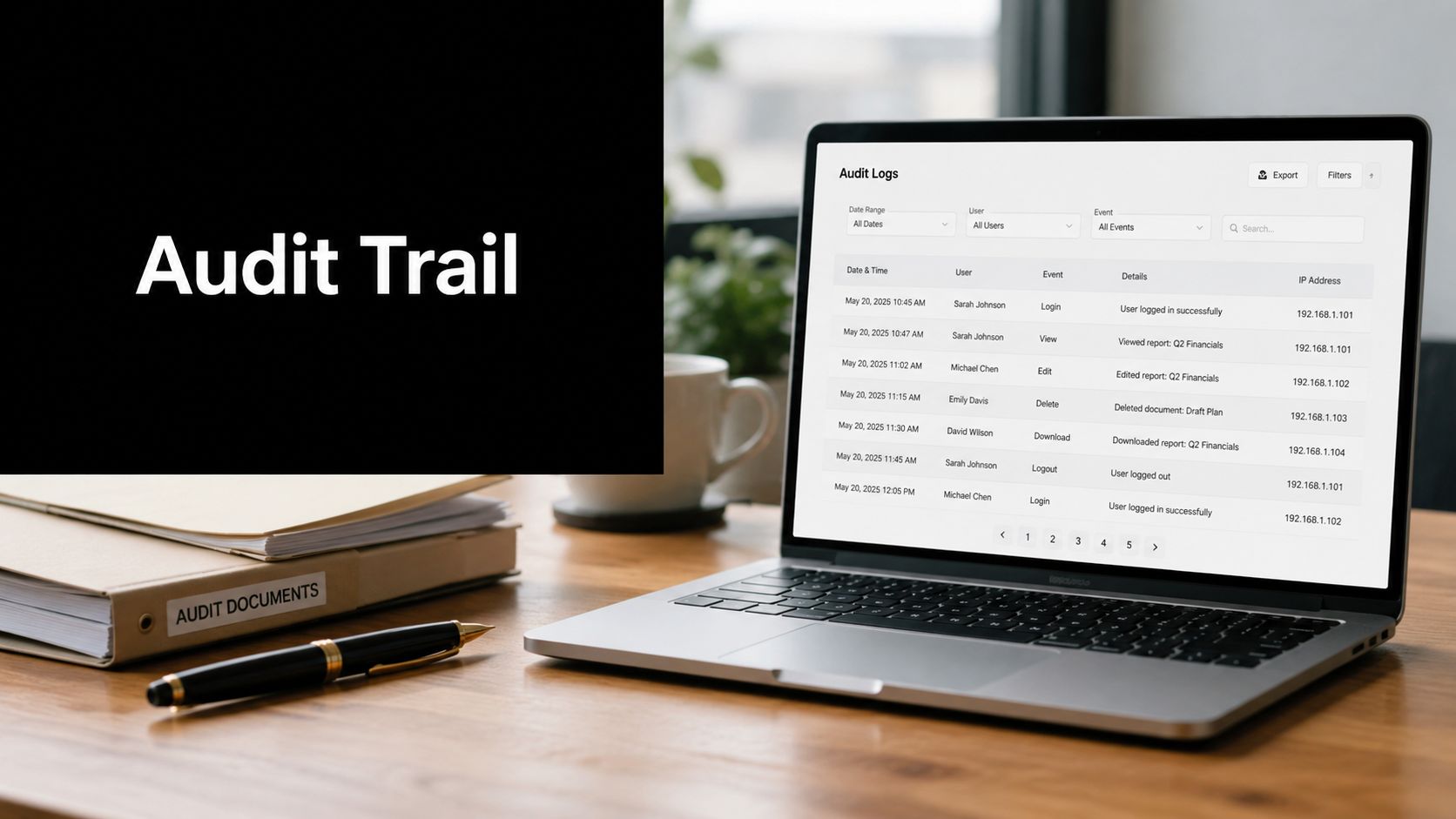
An IRS examination notice lands in your inbox for a complex return your firm filed two years ago. The agent wants the full workpaper file, all supporting documents, review notes, and approval history. In too many firms, that request still triggers a scavenger hunt across email, shared drives, staff desktops, and memory.
In a firm with strong audit trail best practices, it's routine. The return file is complete, the source support is linked, the review history is clear, and the sign-off trail is easy to export. No one has to reconstruct what happened after the fact because the file already tells the story.
That's the standard modern CPA firms should be aiming for, especially in 1040 workflows where volume is high, source documents vary widely, and review bottlenecks can create risk. A good audit trail isn't just a compliance artifact. It supports faster reviews, cleaner partner approvals, smoother exam responses, and better staff accountability. It also reduces the amount of low-value detective work that senior people end up doing during crunch time.
The firms that handle this well don't rely on good intentions. They build the trail directly into intake, preparation, validation, review, approval, storage, and retrieval. The eight practices below are the ones that consistently make the biggest difference.
Table of Contents
- 1. Complete Transaction-Level Documentation with Source Links
- 2. Role-Based Access Control with Clear Approval Workflows
- 3. Automated Exception Reporting and Review-by-Exception Methodology
- 4. Comprehensive Data Validation and Extraction Audit Trail
- 5. Immutable Audit Trail with Timestamping and Non-Repudiation
- 6. Standardized Workpaper Documentation and Annotation Standards
- 7. Periodic Audit Trail Review and Quality Assurance Testing
- 8. Document Retention, Archival, Indexing and Real-Time Audit Trail Visibility
- 8-Point Audit Trail Best Practices Comparison
- From Reactive Defense to Proactive Advantage
1. Complete Transaction-Level Documentation with Source Links

The fastest way to weaken a return file is to make reviewers infer where numbers came from. In a 1040 workflow, every meaningful figure should trace back to a source document, a reconciliation, or a documented judgment. If the return includes wages, interest, dividends, brokerage activity, estimated payments, or an adjustment, the file should show exactly which document supports it.
That sounds basic, but it breaks down quickly in real firms. Staff save files with inconsistent names, source PDFs contain multiple statements, and manual adjustments get entered into the software without a note. Months later, no one remembers why a number changed.
Trace every line back to evidence
The strongest setups make source-linking part of production, not a cleanup exercise. WP TieOut does this well by compiling source-linked PDF binders with bookmarked references to original pages. Larger firms often use Thomson Reuters ONESOURCE document attachment features for the same reason. The tool matters less than the discipline. A reviewer should be able to move from return line item to supporting page without guessing.
A practical standard is to require explanatory notes whenever a figure doesn't flow directly from a source form. If a preparer normalizes a brokerage subtotal, overrides imported data, or changes a carryforward, that note should explain what changed and why.
Practical rule: If a senior reviewer has to ask “Where did this come from?” more than once in a file, the audit trail is already too weak.
A few habits make this work in busy season:
- Use consistent document names: Name files in a way that identifies client, tax year, document type, and version.
- Log manual adjustments: Add a dated note whenever staff change a source-derived value.
- Centralize intake: Keep W-2s, 1099s, organizer uploads, and scanned statements in one repository tied to the return.
- Check completeness before sign-off: Reviewers should confirm support is present before final approval, not after.
The payoff shows up during exams and internal re-reviews. Instead of reconstructing the file, your team can defend it directly from the record that already exists.
2. Role-Based Access Control with Clear Approval Workflows
At 6:30 p.m. on an April deadline day, a partner opens a 1040, sees a late change to Schedule E income, and asks a simple question: who made the change, who reviewed it, and who cleared it for filing? If the answer lives in email, chat, or someone's memory, the audit trail is already compromised.
A defensible 1040 review process assigns authority before work starts. The preparer prepares. The reviewer reviews. The final approver decides whether the return is ready to file. The system should record each handoff and sign-off as part of the normal workflow, not as a cleanup step after the fact.
For firms building a modern 1040 control structure, tools matter most when they enforce the sequence. WP TieOut supports that model by tying workpaper review, sign-offs, and exception handling to defined users inside its 1040 review workflow software. Larger firms may use similar routing in Thomson Reuters ONESOURCE, Intuit ProConnect, or Wolters Kluwer CCH. The product matters less than the rule set behind it.
Least-privilege access is the control that usually separates a clean process from a risky one. Preparers need enough access to assemble the file and respond to review notes. They do not need the ability to approve filing. Reviewers need to comment, clear issues, and send work back. They should not be able to alter support after raising a review point without leaving a record. Partners need a file that shows what changed, who touched it, and whether open items were resolved.
That matters most on returns with judgment calls. A QBI override, a late K-1 adjustment, or a large charitable deduction carryover should not move from draft to filed return because the right person happened to be copied on an email. Approval needs to sit inside the file.
A practical setup for 1040 work usually includes:
- Defined role permissions: Document what preparers, reviewers, managers, and signers can edit, approve, or release.
- Sequential approvals: Require review sign-off before partner approval, especially for e-file release.
- Risk-based secondary review: Route business loss positions, multi-state issues, and unusual credits to a higher reviewer tier.
- Formal escalation rules: If a return stalls, staff should know exactly who can reassign it and who can override a bottleneck.
- Periodic access review: Compare active permissions to current job duties and remove rights that no longer fit the role.
One trade-off is speed. Tighter approval routing can slow simple returns if every file follows the same path. Firms handle that by setting thresholds. A straightforward W-2, 1099, and mortgage interest return may need one reviewer and one signer. A return with passthrough activity, carryforwards, or manual adjustments needs more control points. Good workflow design reflects risk, not bureaucracy.
Poor role design causes predictable failures. Staff resolve review notes offline. Seniors make changes after review without reopening the file. Partners approve based on status updates instead of documented evidence. None of those problems come from a lack of software. They come from a workflow that was never clearly defined under real deadline pressure.
The standard is simple. At any point in the life of a return, the firm should be able to show who prepared it, who reviewed it, what changed after review, and who authorized filing. If that record is clear, the audit trail holds up. If it is not, the firm is relying on recollection instead of control.
3. Automated Exception Reporting and Review-by-Exception Methodology
Line-by-line review is still common in 1040 work, and it's one of the least efficient habits firms carry forward from older processes. It feels thorough. Often it's just slow. Reviewers spend time confirming obvious items while critical issues hide in a pile of routine activity.
A better model is review by exception. The system validates source data against the drafted return, flags meaningful discrepancies, and records how those exceptions were resolved. That creates a sharper audit trail because it shows where attention was applied.
Review what changed, not everything
Modern tax review tools materially improve the process. WP TieOut's workflow is built around review by exception, comparing validated source data to the draft return and surfacing discrepancies that need human attention. Firms exploring that model can see the broader approach in WP TieOut's tax shield software overview.
Here's a product view of the workflow in action:
Not every return needs the same review cadence, either. One overlooked issue is what Accountable calls the review cadence paradox. Their guidance notes that applying the same high-frequency review pattern to both critical and moderate-risk workflows can overwhelm reviewers with noise and make it harder to detect actual anomalies in lower-risk administrative workstreams, as discussed in Accountable's audit trail review guidance.
That lesson applies directly to 1040 work. Routine wage entries and standard information returns shouldn't consume the same review energy as K-1 issues, basis questions, or manual overrides.
- Start narrow: Flag only the discrepancies that affect the return.
- Document resolutions: When a reviewer clears an exception, record the rationale.
- Escalate selectively: Define which exception types require partner involvement.
- Watch for repeat patterns: If one preparer creates the same exception repeatedly, that's a training issue, not just a file issue.
The firms that get this right don't review less. They review more intelligently, and their audit trail shows it.
4. Comprehensive Data Validation and Extraction Audit Trail
A surprising number of return errors don't come from tax analysis. They come from intake and transcription. A W-2 field is captured incorrectly. A brokerage figure is pulled from the wrong page. A scanned document is blurry, and staff accept the extracted value without checking it. By the time the reviewer sees the return, the bad input already looks legitimate.
That's why the validation layer deserves its own audit trail. You need a record of what was extracted, how it was checked, and whether anyone corrected it.
Document the validation layer
The strongest systems preserve the chain from raw document to validated workpaper to drafted return. WP TieOut is built around that progression for common 1040 source documents such as W-2s, 1099s, and brokerage statements. Firms that want to tighten this step should pay close attention to tools focused on document validation software for tax workflows.
From a control standpoint, four fields are mandatory for every event: what happened, who did it, when it occurred, and before-and-after values. Real-time logging and central aggregation are also foundational practices in Trullion's audit trail guide. In tax operations, that means you shouldn't just know that a value changed. You should know who corrected it, when they corrected it, and what the original extracted value was.
That's especially important when OCR or document ingestion is involved. Automation helps, but it doesn't remove the need for human validation where the document quality or context is weak.
If your process can show the final number but not the path from extracted value to accepted value, the trail is incomplete.
I've found these controls make the biggest difference in real files:
- Record corrections explicitly: Don't overwrite extracted data without preserving the original value.
- Flag duplicate uploads: The same source document often gets uploaded more than once during client follow-up.
- Require exception notes for unusual patterns: Big changes in income or deductions deserve documented validation.
- Keep the validation log with the workpapers: Don't separate it into another system no reviewer sees.
When firms tighten this layer, they usually find they're preventing review issues before review even starts.
5. Immutable Audit Trail with Timestamping and Non-Repudiation
An audit trail isn't useful if someone can edit it after the fact. That's the difference between a convenience log and evidence. If a preparer, administrator, or privileged user can delete history, alter timestamps, or remove approval records, the trail won't hold up when it matters.
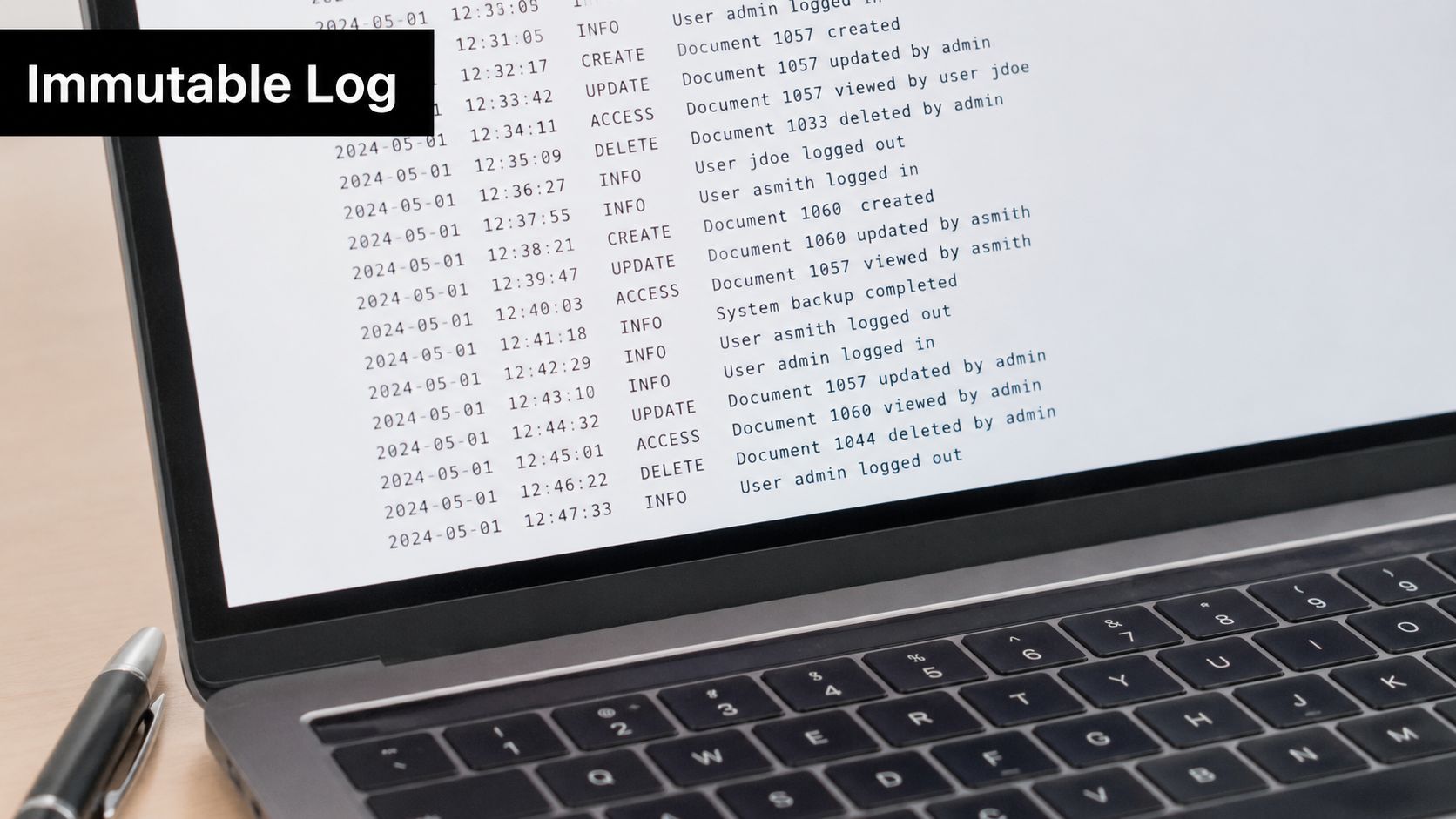
Immutability is the backbone of defensibility. In practical terms, your firm needs records that are tamper-proof, timestamped from a trusted source, and tied to the person who took the action.
Make the record defensible
A defensible event record should include identity, timestamp from a trusted source, action, object, version, context, and cryptographic integrity proof, as outlined in ChainDoc's audit trail compliance guide. That sounds technical, but the tax firm application is straightforward. If a return changed, you need to know who changed it, exactly when, what part changed, which version is final, and whether the history can be proven intact.
Under the hood, strong systems use append-only storage, write-ahead logging, and cryptographically signed events. Most firms won't build that themselves, but they should ask vendors how the audit history is protected. “We have an activity log” is not the same as “the log is immutable.”
A few implementation choices matter more than firms expect:
- Use server-side time: Don't rely on an employee laptop clock for official timestamps.
- Restrict access to trail administration: Compliance and firm leadership should control audit history access.
- Export logs periodically: Keep an independent copy for risk management and exam response.
- Test retrieval after outages: Recovery plans aren't complete if the logs can't be restored.
When staff know the record is permanent, behavior changes. Approvals become more deliberate, explanations get cleaner, and last-minute undocumented edits become much less common.
6. Standardized Workpaper Documentation and Annotation Standards
One of the biggest sources of friction in multi-preparer firms is inconsistent workpaper style. One reviewer uses tick marks. Another uses comments in the PDF margin. A third leaves notes in the tax software only. None of that is fatal on its own, but together it makes the file harder to review and harder to defend.
Standardization fixes that. A well-documented file should read the same way no matter who prepared it. The point isn't aesthetics. The point is readability under time pressure.
Consistency beats individual style
In tax workpapers, consistency should cover naming, cross-references, sign-off conventions, annotation language, and conclusion statements. WP TieOut's bookmarked PDF binders and annotation workflow are useful because they force some of this structure into the file itself. CaseWare and ONESOURCE workpaper environments aim at the same result from different angles.
A good standard answers basic questions immediately. What was reviewed? What issue was identified? How was it resolved? Who concluded the item was complete? If reviewers need to decode each preparer's personal method, the firm has a process problem.
The easiest way to implement this is to publish a firm workpaper manual with examples of acceptable and unacceptable documentation. Then enforce it in real reviews, not just training sessions.
- Use standard templates: Build common sections for income, deductions, payments, and reconciliation points.
- Require conclusion language: Every important workpaper should state the result, not just show marks.
- Auto-populate reviewer identity and date: Reduce manual entry where possible.
- Preserve cross-references: Link the workpaper section back to the relevant return item and source support.
Clean workpapers speed up partner review because the file answers questions before the partner has to ask them.
The firms that scale well don't depend on star reviewers with institutional memory. They build files that any qualified reviewer can understand quickly.
7. Periodic Audit Trail Review and Quality Assurance Testing
A partner opens a finished 1040 file after a notice comes in. The return may be right, but if the team cannot show who changed what, what support was reviewed, and when approval happened, the firm has a defensibility problem.
That is why audit trail controls need their own testing cycle. In a well-run 1040 review process, QA does not stop at tax law accuracy. It checks whether the file can be reconstructed quickly, whether workflow rules were followed, and whether the record would hold up under IRS scrutiny, peer review, or an internal dispute.
For firms using automation, this matters even more. Tools like WP TieOut can speed tie-out, binder assembly, and reviewer visibility, but speed only helps if the underlying trail is complete and consistently tested. A good QA program confirms that the automation is producing the record the firm expects, not just moving work faster.
Review the workflow as it actually operates
Start with a sample of completed returns from different risk levels. Pull straightforward W-2 returns, returns with K-1 activity, and files with manual overrides or late-stage changes. Then test whether the trail answers practical questions without extra explanation from the preparer.
Focus on control attributes that matter in a 1040 workflow:
- Was final approval documented before e-file release?
- Were manual adjustments explained and tied to support?
- Can a reviewer trace a return amount back to source documents and workpapers without hunting through folders?
- Did the system capture preparer, reviewer, and partner activity in the right sequence?
- Do user permissions match the staff member's actual role in the file?
Risk should drive the testing cadence. A return with brokerage imports, multiple state filings, or handwritten source documents deserves more QA attention than a simple repeat client file. Firms that review every file attribute with the same intensity waste reviewer time and bury real issues in low-value checks.
I have found that the best QA reviews include one practical retrieval test. Ask someone outside the engagement team to reconstruct a selected return from intake to sign-off using only the stored file, workflow history, and linked support. If that person gets stuck, the problem is rarely technical. It is usually unclear procedures, weak indexing, missing review notes, or inconsistent document handling. Firms that want to tighten this part of the process should align QA testing with their broader document management best practices for tax workflows.
QA testing should also produce feedback the team can use. If exceptions cluster around late partner sign-offs, unclear override explanations, or missing source links, update the checklist, adjust the software configuration, and retrain staff on that point. That is how the audit trail gets stronger over time. Not by adding more rules, but by testing the rules that matter and fixing the points where real files break down.
8. Document Retention, Archival, Indexing and Real-Time Audit Trail Visibility
A partner gets an IRS notice on a 1040 filed two seasons ago. The return was reviewed, signed, and delivered on time, but now the team needs to pull the source documents, review notes, tie-out support, and approval history fast. If the file lives across email, a shared drive, and a separate workflow system, the problem is no longer retention. It is retrieval failure.
That is the standard to use for this control. A defensible audit trail is not just preserved. It is organized so another person can locate the right file, understand what happened, and see the review history without rebuilding it from scratch.

Keep it retrievable and visible
Retention periods vary by record type, system, and regulatory exposure, so firms should set policy to the longest requirement that applies to the records they create and store. In a 1040 workflow, that usually means separating the retention rule from the storage method. Keep recent returns, workpapers, and workflow history readily accessible for active questions, amended returns, and client follow-up. Archive older records in lower-cost storage, but keep the index and metadata available so the file can still be found quickly.
Many firms create avoidable friction. They archive the PDF, but not the review notes. They keep the return, but lose the source links, version history, or exception log that explains why a position was accepted. For tax review files, the archive should preserve the full record set. That includes the signed return, source documents, annotations, reviewer comments, final approvals, and any system-generated history that shows who changed what and when.
Real-time visibility matters for current work, not just old files. Partners should be able to see which returns are still in prep, which are waiting on reviewer clearance, which have unresolved exceptions, and which are ready for sign-off. In firms using automation tools such as WP TieOut, that visibility is strongest when retention and workflow design follow the same indexing rules used in stronger document management standards for tax workflows.
A practical setup usually includes four rules:
- Tag records when they enter the system: Client name, tax year, entity type, preparer, reviewer, and document class should not be added later from memory.
- Use one indexing standard across returns and workpapers: Retrieval breaks down when one team files by client, another by form, and a third by preparer initials.
- Archive the context, not just the file: Keep comments, exceptions, approvals, and linked support with the return record.
- Run retrieval tests on closed files: Ask someone outside the engagement team to pull a prior-year 1040 package and explain the review trail from intake to sign-off.
Good archival design reduces storage cost and response time at the same time.
In practice, firms that handle this well treat retention as part of production, not back-office cleanup. If indexing starts at intake, if metadata carries through review, and if the archive preserves the full story of the file, the audit trail stays usable long after the return leaves the queue.
8-Point Audit Trail Best Practices Comparison
| Item | 🔄 Implementation complexity | ⚡ Resource requirements | ⭐📊 Expected outcomes | 💡 Ideal use cases | ⭐ Key advantages |
|---|---|---|---|---|---|
| Complete Transaction-Level Documentation with Source Links | High, process change, strict linking discipline | Significant, DMS, storage, OCR, indexing | Strong audit defensibility; much faster exam responses | Complex returns, exam-prone clients, firms pursuing defensible positions | Full traceability to sources; faster audit responses; easier onboarding |
| Role-Based Access Control with Clear Approval Workflows | Moderate–High, role design and workflow rules | Moderate, IAM, e-signature, workflow engine | Clear accountability; fewer errors; enforceable approvals | Multi-person teams, regulatory compliance, firms needing segregation of duties | Segregation of duties; audit-ready sign-offs; reduced rework |
| Automated Exception Reporting & Review-by-Exception | Moderate, rule configuration and tuning | Moderate, validation engine, analytics, batch processing | Faster reviews (40–60% reduction); focus on risky items; scalable | High-volume returns, firms wanting QC efficiency | Reduces reviewer fatigue; consistent standards; concentrates human review |
| Comprehensive Data Validation & Extraction Audit Trail | Moderate–High, OCR + validation layers and version control | Significant, OCR tools, validation rules, integration with tax software | Fewer data-entry/OCR errors; improved return accuracy; defensibility | Firms with heavy document ingestion (W-2/1099/brokerage) | Field-level confidence scores; version history; catch extraction errors early |
| Immutable Audit Trail with Timestamping & Non-Repudiation | High, cryptographic logging, append-only systems | Significant, secure logging servers, storage, cryptography expertise | Tamper-proof records; legal non-repudiation; regulatory compliance | Firms subject to SOX/SSAE/regulatory scrutiny or litigation risk | Tamper detection; definitive proof of approvals; strong legal defensibility |
| Standardized Workpaper Documentation & Annotation Standards | Moderate, policy creation and template rollout | Low–Moderate, templates, training, PDF tools | Consistent workpapers; faster reviews; easier staff rotation | Firms standardizing quality or onboarding new staff | Self-documenting files; faster QC; consistent examiner presentation |
| Periodic Audit Trail Review & Quality Assurance Testing | Moderate, sampling design and reporting processes | Moderate, QA staff/time, analytics tools | Early issue detection; evidence controls operate; trend insights | Firms with internal QA, peer review, or external audit obligations | Proactive risk ID; remediation tracking; independent verification |
| Document Retention, Archival, Indexing & Real-Time Visibility | High, indexing, retention policies, dashboards | Significant, cloud/on‑prem storage, search, dashboard infra | Rapid retrieval for exams; real-time workflow visibility; analytics | Large or distributed firms, remote teams, firms needing fast exam response | Fast exam response; searchable archive; real‑time status & alerts |
From Reactive Defense to Proactive Advantage
Strong audit trail best practices change the way a CPA firm operates. They don't just make you more defensible when an IRS examination or peer review arrives. They make everyday work cleaner, faster, and easier to supervise. That's the significant shift. You move from reconstructing history after the fact to capturing it correctly as the work happens.
For 1040 practices, that matters even more than it does in some other environments. Individual return work combines high volume, compressed deadlines, variable document quality, and frequent handoffs between preparer, reviewer, and partner. If the audit trail is weak, those pressures show up as review delays, duplicated effort, undocumented overrides, and uncomfortable partner approvals. If the audit trail is strong, the same workflow becomes easier to manage because the file itself carries the context.
The eight practices above work best together. Source-linked documentation gives every figure support. Role-based access makes accountability clear. Exception-driven review keeps attention on the issues that deserve it. Validation logs preserve the path from intake to accepted data. Immutable history makes the record credible. Documentation standards make files readable across teams. QA testing confirms the controls really operate. Retention and indexing ensure the whole trail stays accessible long after filing season ends.
There are trade-offs. More structure can feel slower at first. Staff may resist standardization if they're used to personal methods. Partners may worry that tighter controls will create bottlenecks. In my experience, the opposite is usually true once the process settles. The firm spends less time chasing support, less time re-reviewing routine items, and less time trying to remember why a decision was made.
The best starting point is not a full system overhaul. Pick one or two weak spots that cause recurring friction. Maybe it's undocumented manual adjustments. Maybe it's missing approval records. Maybe reviewers still spend too much time hunting through PDFs. Fix that first, then build outward.
A world-class audit trail doesn't appear because a firm buys software. It appears because the firm decides that every return should tell its own story clearly, completely, and permanently. Once that standard is in place, compliance becomes easier. Review gets faster. And the firm is better protected in the moments when the file really has to stand on its own.
If your firm wants a faster, more defensible 1040 review process, WP TieOut is worth a close look. It ingests source documents, validates extracted data, compares the validated workpaper against the drafted return, and surfaces true discrepancies for review by exception. It also compiles a source-linked PDF binder with annotations and sign-off history, giving preparers, reviewers, and partners a cleaner audit trail without adding more manual review work.